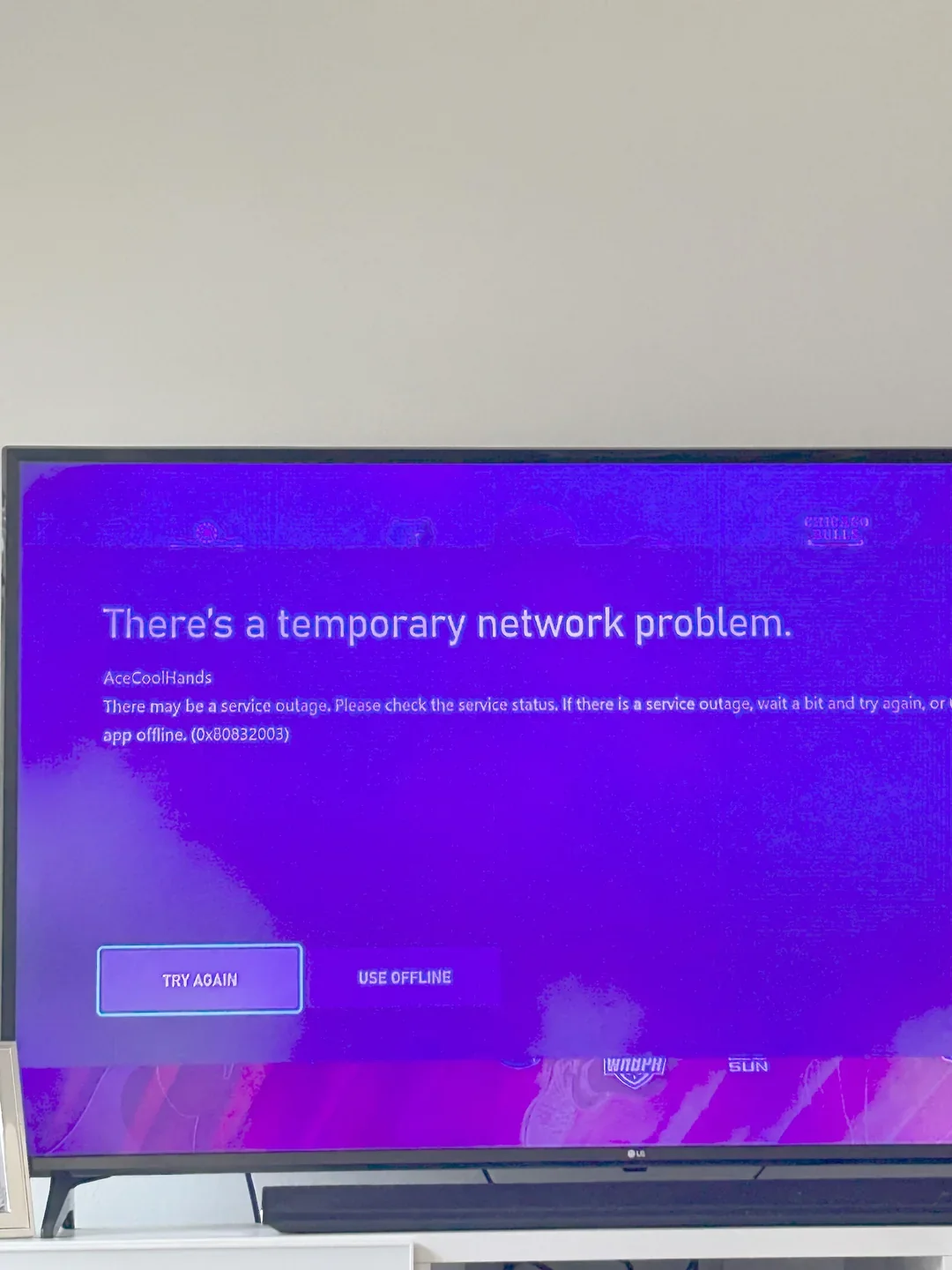
Seeing Xbox error code 0x87dd0033 when you try to sign in? This is a recurring Xbox Live sign-in error, not a one-time glitch — it shows up whenever Xbox’s authentication servers are struggling, whether that’s a major outage or a smaller regional hiccup. The good news: it’s almost never something wrong with your console. This guide covers what the code means, how to confirm it’s a server-side issue, what you can actually do about it, and how it compares to the other Xbox sign-in errors you might run into.
What Does Xbox Error Code 0x87dd0033 Mean?
Xbox Live is the online backbone for sign-in, multiplayer, downloads, and cloud saves across Xbox console, PC, and mobile. When you hit error code 0x87dd0033, Xbox’s own messaging is direct: “Try again in a while. We can’t sign you in.” That phrasing is the tell — this is Microsoft’s servers rejecting or timing out the sign-in request, not a fault on your local network or console.
What Causes It
- Server-side outage: The most common cause. Authentication servers are down or overloaded for a large group of users at once.
- Scheduled maintenance: Microsoft periodically takes services offline briefly to deploy updates; this is usually announced in advance but not always.
- Regional routing issues: Occasionally the problem is limited to specific regions or ISPs rather than a full global outage.
How to Fix Xbox Error Code 0x87dd0033
Because the root cause sits on Microsoft’s side, there’s no local fix that forces a sign-in through. What you can do is confirm it’s not your setup and be ready the moment service is restored:
- Check the Xbox status page. Visit the official Xbox Live service status page to see real-time health for sign-in, multiplayer, and downloads. A red or yellow indicator next to “Sign-in” confirms it’s a known outage, not just you.
- Cross-check with Downdetector. If Xbox’s own status page looks green but you’re still stuck, a third-party tracker like Downdetector can catch outages before Microsoft’s dashboard updates.
- Power cycle your console or PC. Hold the Xbox button for about 10 seconds to fully shut down, unplug for 30 seconds, then power back on. This clears a stuck session state, though it won’t fix a true server outage.
- Switch your connection. Try Ethernet instead of Wi-Fi, or a mobile hotspot, to rule out a local ISP or router issue.
- Clear the console cache. On console: Settings > System > Console Info > Reset, then choose “Reset and keep my games & apps.” This does not delete your data.
- Wait it out and follow official channels. Once it’s confirmed server-side, the only real fix is time. Microsoft posts updates on the @XboxSupport account and the status page as they resolve it.
While You Wait: Offline Games Still Work
A sign-in outage doesn’t lock you out of everything. Many games run fully offline once installed. On console, go to My Games & Apps > Full Library and filter by “All games” — titles marked playable offline will still launch without Xbox Live. Just make sure any updates for those games downloaded before the outage started.
Other Common Xbox Sign-In Error Codes
0x87dd0033 isn’t the only sign-in code you’ll run into. Here’s how it compares to the other errors Xbox Support documents, so you know when it’s the same server-side story versus something you need to actually fix:
| Error Code | What It Usually Means | Fix It Yourself? |
|---|---|---|
| 0x87dd0033 | Server-side sign-in failure / outage | No — wait for Microsoft |
| 0x87dd0003 | Sign-in failure, often tied to account or token issues | Sometimes — try re-signing in or a console reset |
| 0x87dd0013 | Error launching a specific game or app | Usually — reinstall or update the title |
| 0x80048823 | Microsoft Store sign-in / licensing error | Sometimes — check Microsoft account status |
If your code doesn’t match 0x87dd0033 exactly, search that specific code on Xbox Support’s error code lookup — the fix can be completely different depending on the digits.
How We Researched This
This guide is based on Xbox’s own error messaging and support documentation, cross-checked against community reports of the code recurring across multiple outages (not just a single 2024 incident). We update it when the underlying guidance from Xbox Support changes.
FAQs
Will I lose my save progress because of this error?
No. Save data tied to your Microsoft account is stored on Microsoft’s servers (or synced there), so a sign-in outage doesn’t put it at risk. You’ll pick up right where you left off once you can sign in again.
How long does this error usually last?
It varies. Minor outages can clear in minutes; larger ones have taken several hours in the past. The Xbox status page is the most reliable way to track progress toward a fix.
I’ve tried everything and it still won’t work — what now?
If the Xbox status page shows all services healthy but you’re still seeing 0x87dd0033, the issue may be specific to your account or region. Contact Xbox Support directly for account-specific troubleshooting.
Is this the same as an Xbox Live subscription problem?
No — 0x87dd0033 is about the sign-in/authentication service itself, not your Game Pass or Xbox Live Gold/Core subscription status. A billing issue would show a different error referencing your account or payment method.
Conclusion
Xbox error code 0x87dd0033 is frustrating but rarely serious — it means Microsoft’s sign-in servers are having a moment, not that anything is wrong with your console or account. Check the status page first, rule out your own connection second, and if both check out, the only real move is to wait it out while catching up on your offline library.
