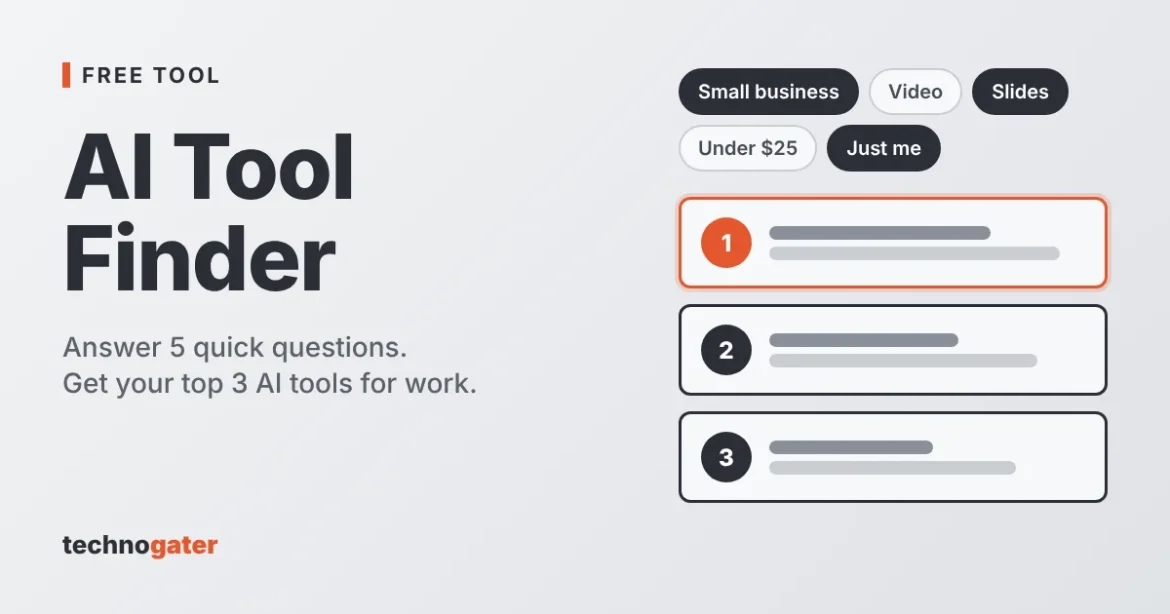
There are thousands of AI tools, and most “best AI tools” lists are just long lists. This finder does something simpler. You answer five quick questions about your role, the job you need help with, your budget, your team size and what matters most right now. It then shows three tools that match, each with one line on why it fits.
The finder chooses from a short list of tools for common small business jobs: video, voiceovers, slides, meeting notes, writing, scheduling, SEO and pulling data from websites. It is meant to give you a sensible starting point, not a final answer. Most of these tools have a free plan or trial, so the best next step is to try your top pick on a real task.
There is no sign-up, and it takes about a minute. Your answers stay in your browser and are not saved or sent anywhere.
Answer 5 quick questions
Answer 5 quick questions to see 3 tools that match your work. Nothing you pick is saved or sent anywhere.
Disclosure: some links may be affiliate links. If you buy through one, Technogater may earn a commission at no extra cost to you. It doesn’t change which tools the finder shows.
Tools this finder can suggest
- Synthesia: built for turning a written script into a presenter-style video with an AI avatar.
- ElevenLabs: built for natural-sounding AI voiceovers from text, with voice cloning.
- Gamma: built for making slide decks, documents and simple web pages from a prompt or outline.
- Fireflies: built for recording, transcribing and summarising video calls.
- OpusClip: built for cutting long videos and podcasts into short vertical clips.
- Murf: built for studio-style AI voiceovers with an editor for timing and emphasis.
- Writesonic: built for drafting blog posts, ads and product copy from a short brief.
- Reclaim: built for planning tasks, habits and meetings into your calendar automatically.
- Surfer: built for showing what a page should cover to compete in search, and scoring your draft.
- Browse AI: built for pulling website data into a spreadsheet without code, and watching pages for changes.
How it works
- Pick your answers. Choose one option for each of the five questions.
- We match on the job first. The task you need help with counts most. Your role, budget, team size and main goal then move tools up or down.
- You get your top 3. Each result has a one-line reason and a link to the tool’s site.
- Check before you buy. Prices and plans change often, so look at each tool’s current pricing page before paying for anything.
How we score
Each tool gets points for each answer. Matching the job you need help with counts most (10 points for a tool built for that job, 5 for one that also handles it). Your role adds up to 3 points, your main goal adds 2, and team size adds up to 2 for tools built for teams. Tools that usually cost more than your budget lose points. The three highest scores are shown. The rules are written by hand and are not based on paid placement.
FAQ
Is the AI tool finder free?
Yes. It is free to use, with no account or email needed.
Do you save my answers?
No. The finder runs entirely in your browser. Your answers are not stored, tracked or sent to us or anyone else.
Why does it only recommend these 10 tools?
We kept the list short on purpose and focused on tools that cover common small business jobs. We will add tools over time. If a tool you like is missing, let us know.
Have you tested every tool?
No. The finder’s reasons describe what each tool is built to do, based on the vendor’s own information. We have not run hands-on tests of these tools yet. When we publish a full review, we will link to it here.
Affiliate disclosure
Some links on this page, such as the Synthesia link, are affiliate links. If you buy through one, Technogater may earn a commission at no extra cost to you. It does not change which tools the finder recommends. Other links go to the tool’s own website.