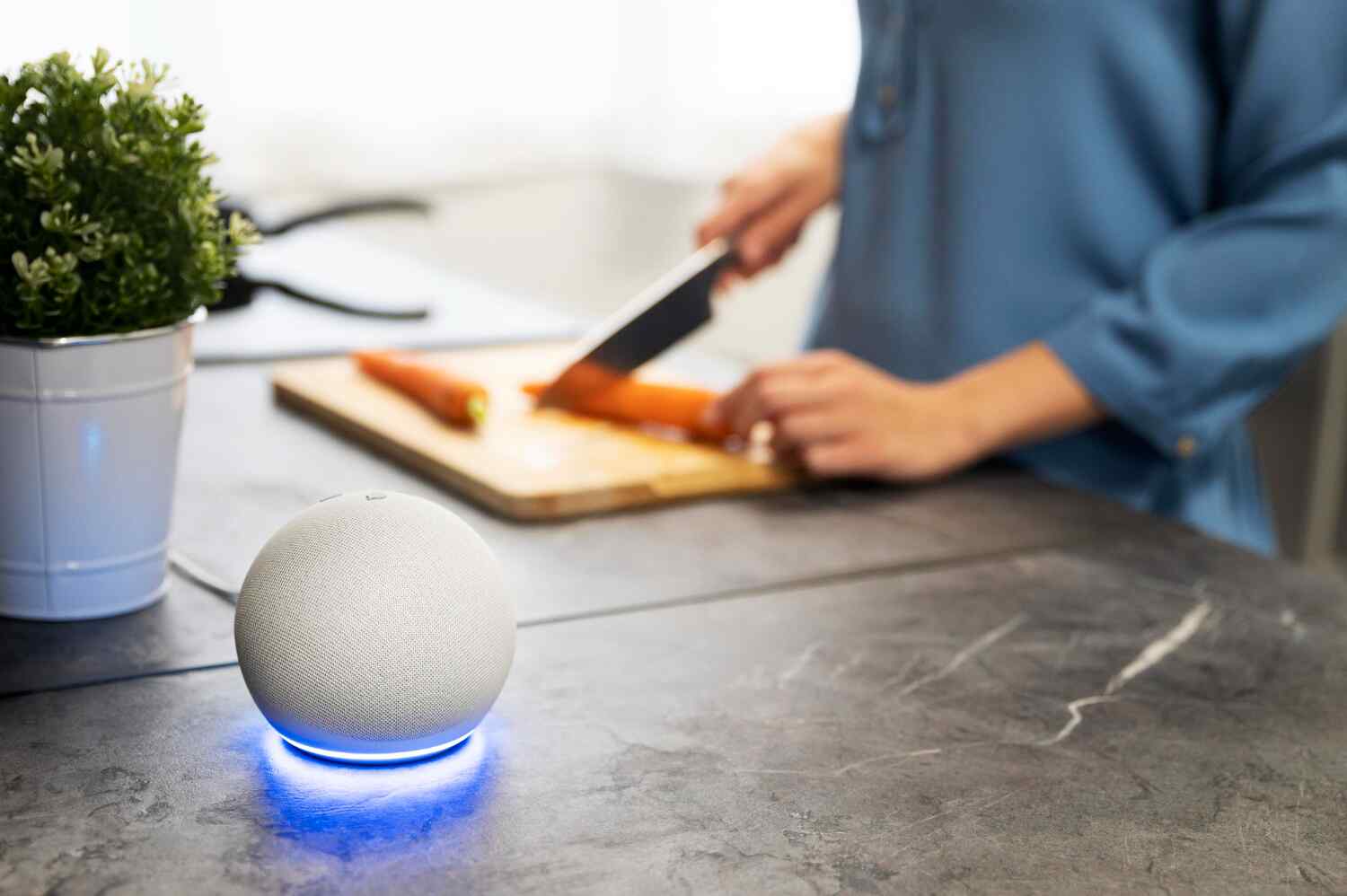
Smart home essentials are the basic devices and systems that help make a home smarter. These tools add comfort, safety, and better control.
They work through apps, voice commands, or sensors. A smart setup often starts with lighting, thermostats, locks, and plugs. From there, users may add cameras, alarms, or even smart speakers. Each part works together to make home life easier.
Why Start with the Essentials?
Jumping into smart home essentials tech can feel like too much. Starting with a few key items makes it easier. You get the most value and avoid waste. These base tools also set you up to expand later. A solid smart base helps everything run smoothly.
Smart Lighting
Smart bulbs are easy to set up and use. You can turn them on or off from your phone. Some bulbs change colors or dim. Smart switches give even more control. These are good for hallways or living rooms. Set schedules to turn lights on when it gets dark. It saves energy and adds safety.
Common features:
- App control
- Voice control with Alexa or Google
- Dimming and color options
- Timers and schedules
Smart Thermostats
A smart thermostat lets you control your home’s temperature from your phone. It learns your habits and saves power. Some even turn off when no one is home. It keeps you comfy and cuts down bills. Brands like Nest and Ecobee are well-known options. Also, it is one of the best smart home essentials.
Why it matters:
- Lower power use
- Keeps rooms comfy
- Easy control from anywhere
- Fits into other smart systems
Smart Plugs and Outlets
Smart plugs turn any device into a smart one. Plug in a lamp, fan, or coffee maker. Then, use your phone or voice to turn it on or off. You can set times or check if it’s off when you’re away.
Best uses:
- Lamps
- Kitchen tools
- Heaters
- Holiday lights
Smart home essentials outlets work the same way but are built into your walls. These are better for long-term use.
Smart Locks and Doorbells
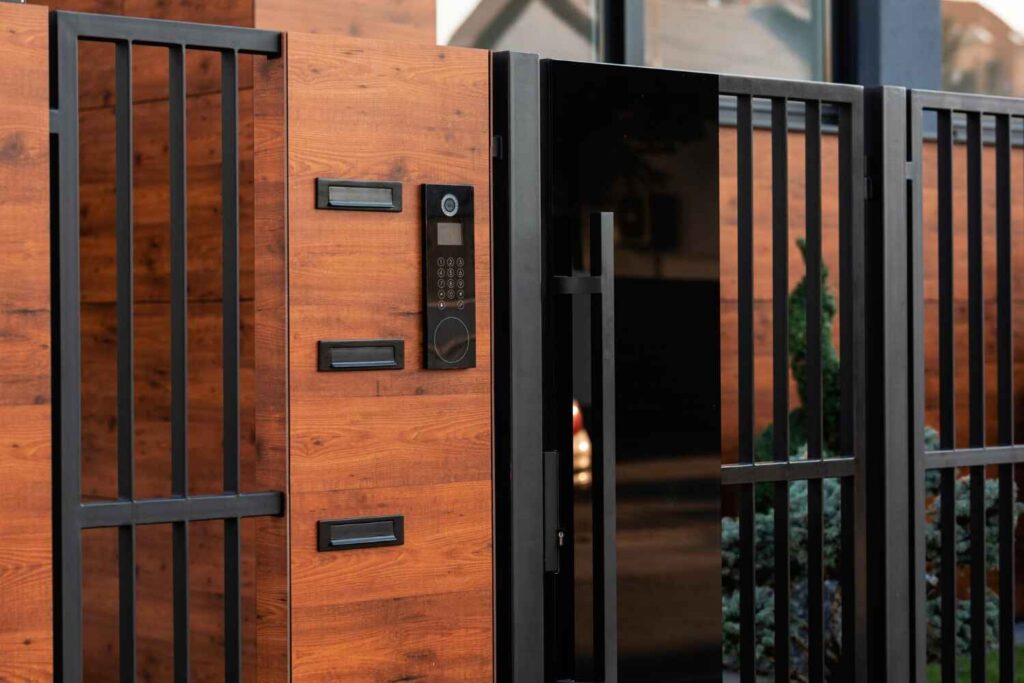
Smart locks let you open your door with your phone. Some use fingerprints or codes. You don’t need keys anymore. You can also let in guests when you’re not home.
Smart doorbells have built-in cameras. They show who’s at your door before you answer. Some let you talk through your phone. This adds a strong layer of safety.
Good features to look for:
- Auto-lock
- Guest access
- Video feed
- Motion alerts
Smart Speakers and Hubs
Smart speakers act as the main point for your system. They help control all your devices with simple voice commands. Most people start with Amazon Alexa or Google Home. Apple HomePod is another option.
These smart home essentials, hubs, connect your lights, plugs, locks, and more. They make smart living simple.
Benefits:
- Hands-free control
- Connects all devices
- Plays music and news
- Easy setup
Smart Security Cameras
Security is a big reason people try smart tech. Smart cameras keep an eye on your home. You can check live video from your phone. Most send alerts when they spot movement. Some store video online; others use memory cards.
Things to check:
- Video quality
- Night view
- Motion tracking
- Storage type
Pick cameras that don’t need monthly fees if you want to avoid extra costs.
Smart Sensors
Sensors work with other smart home essentials tools. They can tell if a door opens, a window breaks, or if there’s water on the floor. Then, they send alerts or start other actions. These small tools help keep homes safe.
Popular sensor types:
- Door and window sensors
- Motion detectors
- Water leak sensors
- Smoke and CO detectors
How to Connect Your Smart Devices
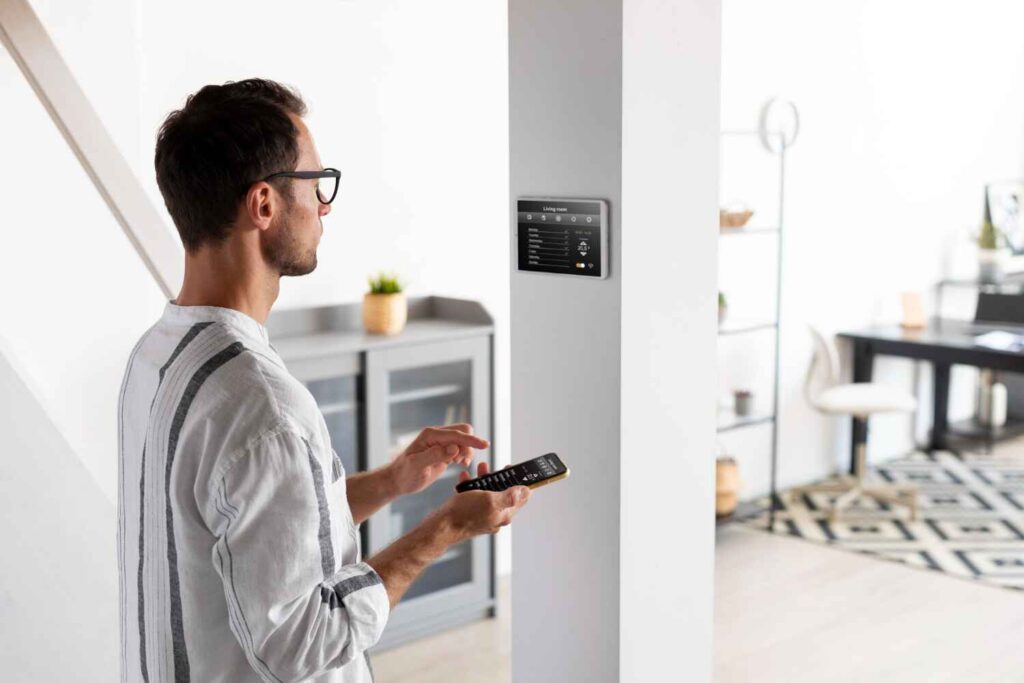
Most smart home essentials tools work through Wi-Fi. Some use Bluetooth or smart hubs. Many use apps to connect. Once set up, you can control everything from one place.
Tips for easy setup:
- Stick to one brand when possible
- Use a strong Wi-Fi signal
- Label your devices in the app
- Test everything after setup
If things go wrong, restart the app or the device. Most issues are fixed fast.
Growing Your Smart Home
After you set up the basics, you can add more tools. Think about what will make life easier. Maybe smart curtains, a robot vacuum, or even a smart fridge. The more devices you have, the more your system helps you.
Start small and add over time. That’s how you avoid mistakes and enjoy your setup.
Common Mistakes to Avoid
- Buying too many brands that don’t work together
- Ignoring Wi-Fi strength
- Not reading setup instructions
- Skipping regular updates
- Picking devices with high monthly fees
A little planning goes a long way. Stick to trusted tools and test each one.
Techno Gater helps you find the right smart home essentials tools. We guide users from setup to full control. Whether you’re starting with smart plugs or going big with full systems, we make it simple.
At Techno Gater, we offer:
- Smart lighting, plugs, and thermostats
- Security cameras, locks, and sensors
- Set up support and system checks
Make your home smarter with less effort. Trust Techno Gater to help at every step.
Start your smart home essentials today. Contact Techno Gater now.
