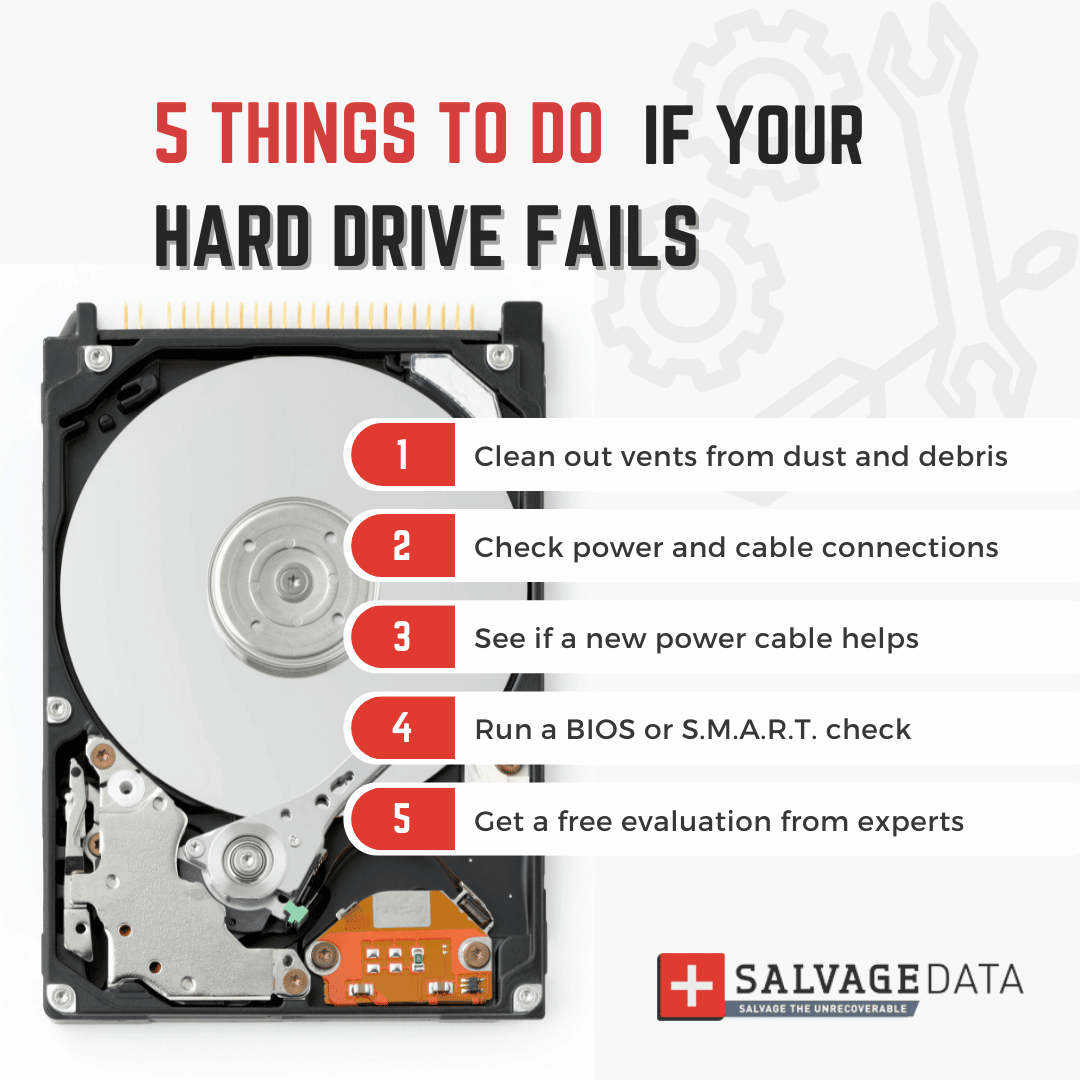
A damaged or corrupted hard drive doesn’t have to mean lost data. The right approach depends heavily on whether the damage is physical or logical — and picking the wrong tool for the situation can make things worse. Here’s how to diagnose the problem and choose the right recovery path in 2026.
How We Researched This Guide
The software comparison below is based on current published pricing and feature specs from each vendor as of mid-2026. We’ve included both free/open-source options and paid tools so you can match the choice to how serious the data loss is.
Step 1: Figure Out Physical vs. Logical Damage
Physical damage shows up as clicking or grinding noises, the drive not spinning up, or it not being detected by the system at all. Do not keep power-cycling a drive making unusual noises — each attempt risks further damage to the platters or read/write heads. Power it down and stop using it immediately.
Logical damage means the drive spins up and is detected, but files are missing, corrupted, or the file system won’t mount properly. This is usually caused by accidental deletion, a bad partition table, malware, or an improper shutdown — and it’s the kind of damage software can often fix.
Data Recovery Software Compared
| Tool | Platform | Free tier | Paid pricing | Best for |
|---|---|---|---|---|
| PhotoRec | Win/Mac/Linux | Fully free, open-source | N/A | Budget-conscious users comfortable with a command-line-style tool |
| Recuva | Windows | Free, unlimited | Pro ~$25/yr | Beginners recovering recently deleted files |
| Disk Drill | Win/Mac | 500MB free (Windows: 100MB) | ~$89 lifetime | Broad format support (~400 file types), lost partitions, RAID/NAS |
| EaseUS Data Recovery | Win/Mac | 2GB free | ~$70/mo or annual plans | Simple guided interface, bootable recovery media |
| R-Studio | Win/Mac/Linux | Preview only (no save) | $50–$900 by edition | IT professionals, complex/RAID recovery, forensic work |
The Recovery Process for Logical Damage
- Stop writing to the drive immediately. Every new file written increases the chance of overwriting recoverable data.
- Clone the drive first if possible. Use a disk imaging tool to create a byte-for-byte copy onto a healthy drive, then run recovery software against the clone — not the original. This protects you if a recovery attempt goes wrong.
- Run recovery software against the clone (or original, if cloning isn’t feasible). Start with a free tool’s scan to see what’s recoverable before paying for a license — most tools let you preview recoverable files for free and only charge to actually save them.
- Save recovered files to a different physical drive, never back onto the drive you’re recovering from.
When to Call a Professional Instead
If the drive shows signs of physical damage — clicking, not spinning, not detected, or exposed to fire/water/heavy impact — stop trying software fixes. Professional recovery services use cleanroom facilities and specialized hardware to recover data directly from damaged platters, but pricing typically starts in the several-hundred-dollar range and can run into the thousands for severe cases. It’s worth it only when the data is genuinely irreplaceable.
Preventing This Next Time
The best data recovery tool is one you never need. Follow the 3-2-1 backup rule — three copies of your data, on two different media types, with one copy off-site (cloud storage counts) — and you’ll rarely face a true data-loss emergency again.
FAQs
Can I recover data after formatting a drive?
Often yes, especially with a quick format, since the actual data usually isn’t erased immediately — only the file system’s record of it. Stop using the drive right away and run recovery software before any new data gets written over it.
Is free data recovery software safe to use?
Reputable free tools like PhotoRec and Recuva are safe and widely used. Stick to well-known, established software and avoid random downloads promising “guaranteed recovery” — some bundle adware or are outright scams.
How much does professional data recovery cost?
Costs vary widely by damage severity and drive type, typically ranging from a few hundred dollars for straightforward logical recovery up to several thousand for severe physical damage requiring cleanroom work. Most reputable services offer a free diagnostic quote before you commit.
