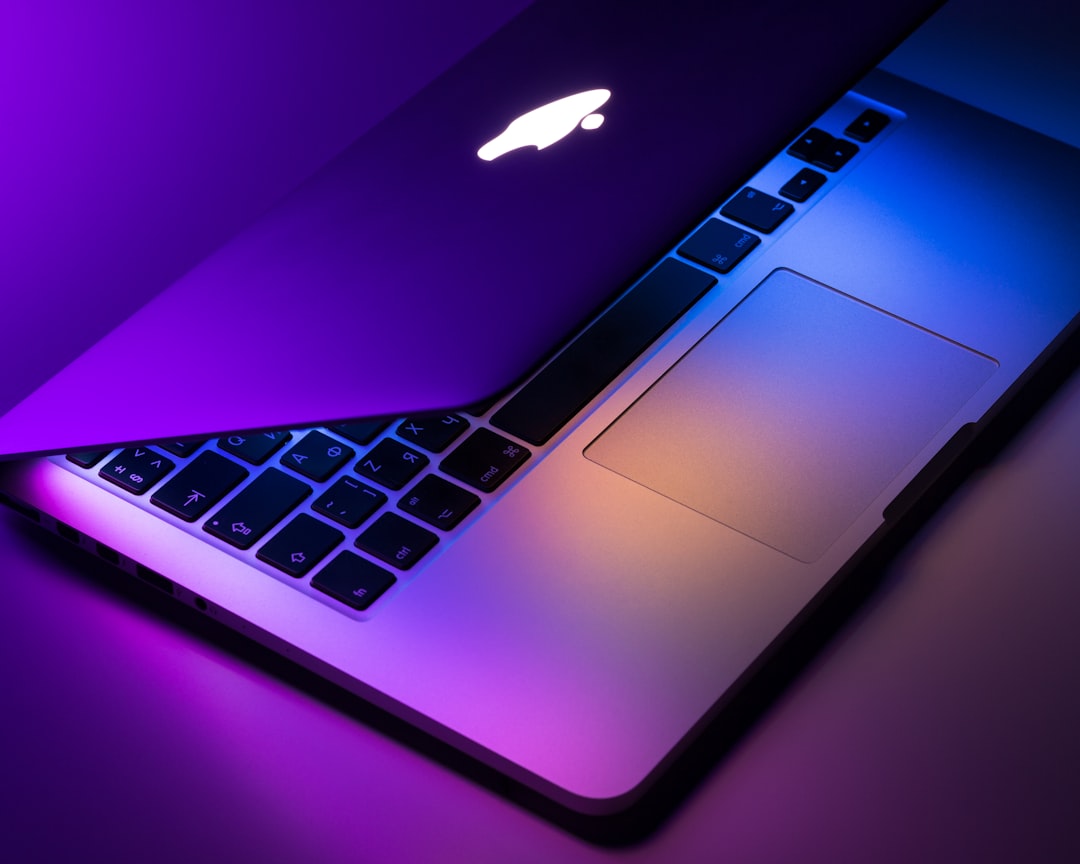
Artificial intelligence has moved from the cloud to your lap. In 2026, the best AI laptops aren’t just faster—they’re fundamentally smarter, with dedicated neural processing units (NPUs), AI-enhanced software ecosystems, and battery management that adapts to your workflow in real time. Whether you’re running local large language models, editing video with AI-powered tools, or simply want a laptop that learns your usage patterns, this year’s AI-optimized machines represent a genuine leap forward.
This guide breaks down what makes an AI laptop worth buying in 2026, the key specifications to prioritize, and our top recommendations across different use cases and budgets.
What Makes a Laptop an “AI Laptop” in 2026?
The term “AI laptop” has evolved beyond marketing speak. In 2026, these machines feature dedicated hardware accelerators specifically designed for AI workloads. The core differentiator is the NPU (Neural Processing Unit)—a specialized chip that handles machine learning tasks far more efficiently than traditional CPUs or GPUs.
Modern AI laptops typically deliver 40+ TOPS (trillion operations per second) of AI performance, enabling features like real-time translation, intelligent background blur that doesn’t tax your CPU, AI-powered noise cancellation, and on-device image generation without cloud dependency.
Beyond raw NPU performance, the best AI laptops integrate AI throughout the system: adaptive power management that predicts your usage patterns, intelligent cooling that anticipates thermal loads before they occur, and software ecosystems optimized for local AI processing.
Key Specifications for AI Laptops
NPU Performance (TOPS)
Look for at least 45 TOPS for smooth AI feature performance. Professional users running local LLMs or AI video editing should target 60+ TOPS. Intel’s Core Ultra (Series 2) and AMD’s Ryzen AI 300 series both exceed these thresholds comfortably, while Qualcomm’s Snapdragon X Elite chips bring exceptional efficiency to the table.
RAM and Storage
AI workloads are memory-intensive. 16GB is the practical minimum, but 32GB provides headroom for running multiple AI models simultaneously. For storage, prioritize fast NVMe SSDs—AI model files and training datasets consume space quickly. 512GB is baseline; 1TB or more is recommended for serious AI work.
Integrated vs. Discrete Graphics
While NPUs handle many AI tasks, discrete GPUs from NVIDIA (RTX 4060 or higher) or AMD (RX 7600M and up) accelerate AI-powered creative applications like Photoshop’s generative fill, DaVinci Resolve’s AI color grading, and Stable Diffusion image generation. For productivity-focused users, integrated graphics paired with a strong NPU suffice.
Display Quality
AI-enhanced content creation demands color accuracy. Look for displays with 100% sRGB coverage minimum, with DCI-P3 coverage preferred for professional work. OLED panels, now more common in premium AI laptops, deliver superior contrast for photo and video editing.
Best AI Laptops in 2026: Our Top Picks
Best Overall: Dell XPS 14 Plus AI Edition
Dell’s refined ultraportable balances performance and portability brilliantly. The Intel Core Ultra 7 258V delivers 68 TOPS of AI performance, paired with 32GB LPDDR5X RAM and up to an RTX 4050 GPU. The 14.5-inch OLED display (3.2K resolution) is stunning for creative work, while the capacitive function row and zero-lattice keyboard maintain the XPS aesthetic. Battery life exceeds 11 hours in mixed use, thanks to intelligent AI-driven power management. Weight sits at just 1.6kg, making this a genuine do-everything machine.
Best for Creators: Apple MacBook Pro 16″ M4 Pro
Apple’s Neural Engine in the M4 Pro chip delivers 62 TOPS with industry-leading power efficiency. The 16-core Neural Engine accelerates Final Cut Pro’s AI object tracking, Logic Pro’s AI mastering, and system-wide features like Live Text. The Liquid Retina XDR display offers 1600 nits peak brightness and reference-level color accuracy. With 36GB unified memory and up to 24 hours of video playback, this remains the gold standard for creative professionals working in the Apple ecosystem.
Best Value: ASUS Vivobook S 15 OLED
At under $900, ASUS delivers remarkable AI capability with the AMD Ryzen AI 9 365 (50 TOPS) and 16GB RAM. The 15.6-inch OLED panel (1080p) punches above its price class, offering true blacks and vibrant colors. While the integrated Radeon 880M graphics won’t handle intense AI image generation, the NPU handles Windows Studio Effects, real-time transcription, and productivity AI features smoothly. This is the sweet spot for students and professionals who want AI capabilities without premium pricing.
Best for AI Development: Lenovo ThinkPad P1 Gen 7
For developers training models locally, the ThinkPad P1 combines a 65 TOPS NPU with NVIDIA RTX 5000 Ada graphics and up to 96GB RAM. The 16-inch 4K display is factory-calibrated, while ThinkPad’s legendary keyboard makes long coding sessions comfortable. ISV certifications ensure compatibility with professional AI frameworks including TensorFlow, PyTorch, and CUDA-accelerated tools. It’s heavy at 2.1kg and pricey, but nothing else offers this combination of AI and GPU compute power in a mobile workstation.
Best Battery Life: Microsoft Surface Laptop 7
Powered by Qualcomm’s Snapdragon X Elite (45 TOPS), the Surface Laptop 7 achieves 18+ hours of real-world battery life. The ARM architecture delivers exceptional efficiency while Windows on ARM compatibility has matured significantly. The 13.8-inch PixelSense touchscreen (2304×1536) is bright and responsive, ideal for pen input with Surface Slim Pen. At 1.3kg, this ultra-portable excels for road warriors prioritizing battery endurance and AI-powered productivity features.
AI Features Worth Paying For
Not all AI features justify premium pricing. Focus on capabilities that match your workflow: Windows Studio Effects (background blur, eye contact correction) benefit remote workers significantly. AI-powered noise suppression transforms video calls in noisy environments. Local LLM support enables private AI assistance without cloud dependency—crucial for professionals handling sensitive information.
For creatives, AI upscaling in photo editing, automated masking, and intelligent content-aware fill save hours of manual work. Developers benefit from AI code completion that runs locally, faster compilation through predictive caching, and AI-optimized debugging tools.
What to Avoid
Beware “AI-ready” laptops with under 40 TOPS—they’ll struggle with current AI workloads and have zero future-proofing. Similarly, 8GB RAM configurations can’t handle modern AI features effectively, regardless of NPU power. Extended warranties matter more with first-generation AI hardware, so factor that into total cost of ownership.
Looking Ahead
The best AI laptops in 2026 represent the beginning of a platform shift, not a mature technology. NPU performance will continue climbing, software optimization will improve, and on-device AI capabilities will expand. Buying now means access to transformative productivity tools today, with the expectation that your hardware will grow more capable through software updates.
Whether you’re a creative professional, developer, or knowledge worker, the right AI laptop transforms tedious tasks into automated workflows, accelerates creative processes, and delivers genuinely useful intelligence right on your desk—no internet required.
