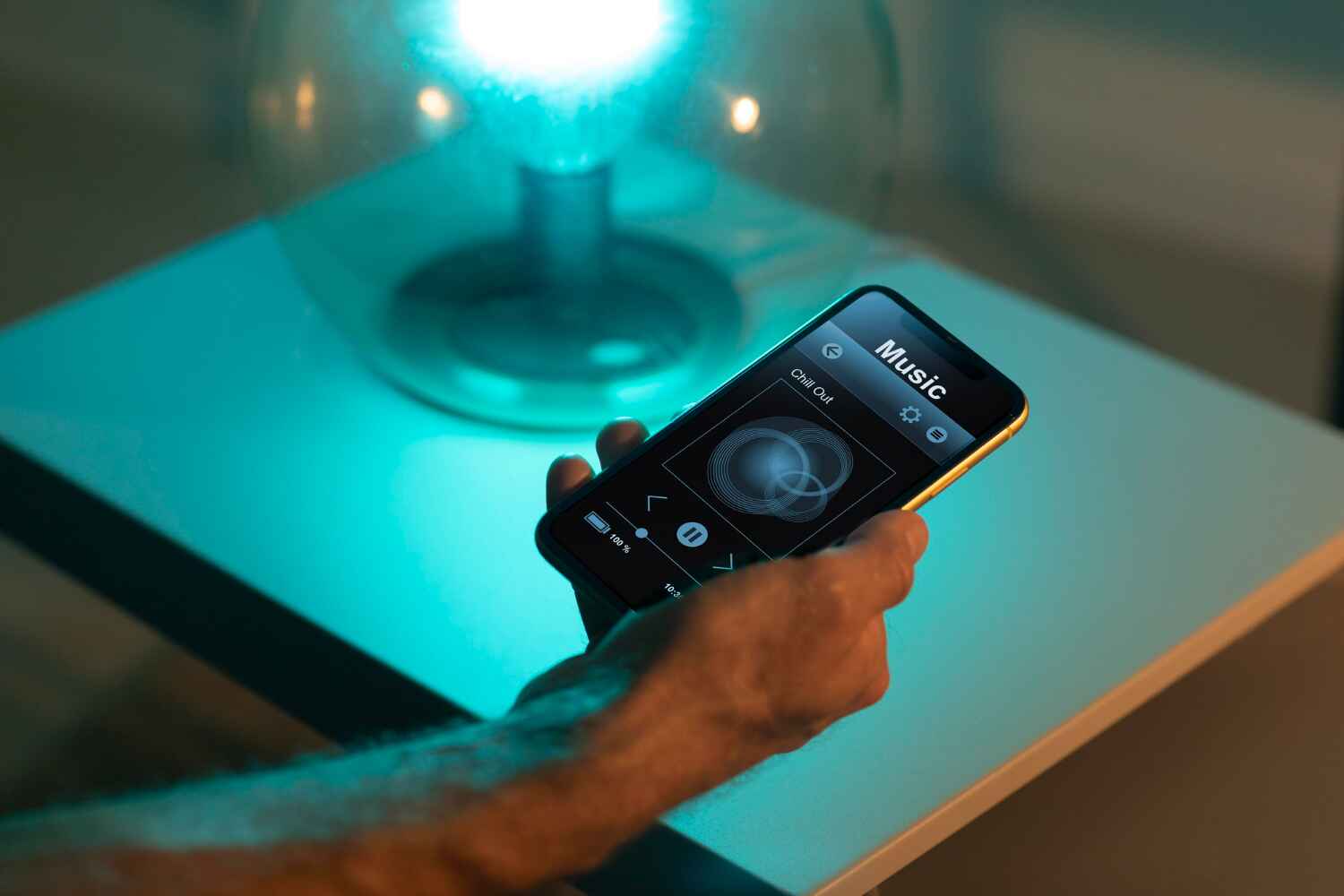
Smart lights are lights that you can control using your phone, voice, or a hub. They let you turn lights on or off without a switch. You can dim them or change colors in some models.
These lights use Wi-Fi, Bluetooth, or Zigbee to connect. Most work with voice tools like Alexa, Google Assistant, or Siri.
Why Smart Lighting?
Smart lighting helps save energy and money. You can set timers so lights turn off when you don’t need them.
They also add safety. Some smart lights turn on when they sense motion. Others can make it look like you’re home when you’re not.
Choosing Smart Lights That Save Money
When picking smart lights, focus on what matters most: price, ease, and features.
Here are tips for smart light shopping:
- Pick LED bulbs—they use less power
- Look for bundles—they often cost less per bulb
- Choose simple apps that are easy to use
- Stick with trusted brands to avoid problems
Not all smart lights are pricey. Many brands offer budget smart lighting. These options do the job without extras that raise the cost.
Bulb Types and Fittings
Smart lights come in different shapes and bases. Most homes use A19 bulbs with E26 bases. These are easy to find.
Make sure the bulb you buy matches your light socket. Some lights need GU10 or B22 bases, so check before buying.
You can also get smart strips or smart lamps for areas like under cabinets or behind TVs.
Best Budget Bulb Features
Not all cheap smart lights lack quality. Many have the most-used features, like
- App control
- Voice control
- Scheduling
- Dimming
RGB color options may cost more. Stick with white bulbs if you’re saving money. Techno Gater often features smart light picks that are low-cost and simple to use.
Hub vs. No-Hub Lights
Some smart lights need a hub. A hub connects and manages all smart lights in one place. Brands like Philips Hue use hubs.
Other lights work without a hub. These lights use Wi-Fi or Bluetooth. They are better for new users or people with fewer bulbs.
No-hub lights save money and setup time. They’re perfect for small homes or apartments.
Smart Light Apps
Good apps make smart lights easier to use. Many lights have their own app, like:
- Kasa
- Govee
- Wiz
- Philips Hue
Apps help you set timers, group lights, and more. Choose lights with apps that have high user ratings.
Some apps also work with smart speakers, adding voice control with no extra work.
Smart Lighting and Home Safety
Smart lights help keep your home safe. You can program them to turn on and off at certain times.
Motion-sensing lights scare off unwanted visitors. Some lights also alert you if there’s motion at night.
You can pair lights with smart plugs or cameras for better home control. Techno Gater offers more tips on smart home setups that fit small budgets.
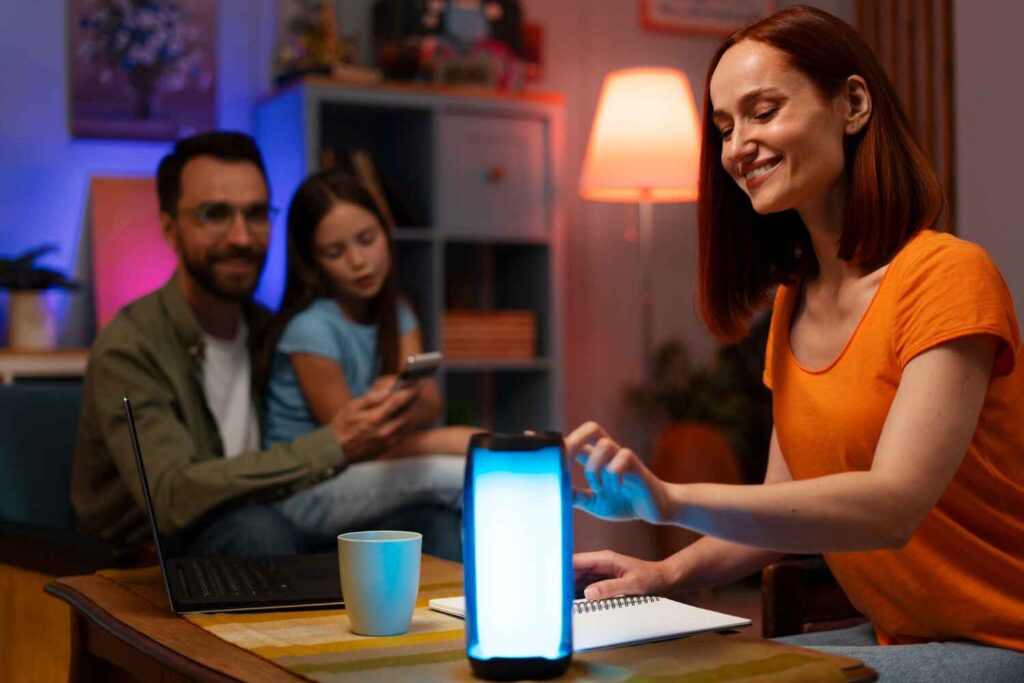
Room-by-Room Ideas
Living Room: Use dimmable white lights. This lets you change brightness for TV time or reading.
Bedroom: Smart bulbs help you wind down. Set them to dim slowly at night or brighten in the morning.
Kitchen: Use smart strip lights under cabinets. They’re bright and don’t take up space.
Hallways: Add motion sensor lights. They light up only when needed, saving money.
Smart Lighting Setup Tips
You don’t need to buy everything at once. Start small and grow your setup.
Begin with one room or a few bulbs. Learn how the system works before expanding.
Place your Wi-Fi router near lights or use Wi-Fi extenders if needed. Weak signals can cause delay or drops.
If using voice control, make sure your smart assistant is set up right. You can group lights by room for easier control.
Saving Money with Smart Lights
Over time, smart lights save money. LED bulbs last longer than regular ones. Smart control also helps you waste less power.
To save more:
- Use timers to turn off lights
- Turn off lights when not in use
- Set dim levels to 50–70% at night
- Use smart plugs with lights that don’t use bulbs
Techno Gater can help you find deals and guide you to low-cost smart lighting that fits your needs.
Common Mistakes to Avoid
- Don’t mix Wi-Fi and Zigbee without checking if they’re compatible
- Don’t skip checking socket sizes
- Don’t forget to update the app—it may fix bugs
- Don’t overload your Wi-Fi with too many lights
Keep things simple. Stick to a system you can manage.
Brands That Offer Budget Smart Lighting
Here are some brands known for low-cost smart lighting options:
- Wyze
- Sengled
- Wiz
- Kasa Smart
- GE Cync
These brands offer smart bulbs and strips that work well and cost less. Many of their lights work with Alexa and Google.
Techno Gater reviews many of these brands and offers insight to help users choose wisely.

Smart Lighting for Renters
Smart lighting is great for renters too. You don’t need to change wires or drill. Just replace your old bulb.
When you move, you can take your bulbs with you. That’s what makes smart lights a smart pick for renters.
Some smart plugs also work with floor or table lamps, giving you more ways to save.
Future of Smart Lighting
As more homes use smart devices, prices are coming down.
Smart lighting is now easy and cheap enough for most families. With partial smart control, even simple lights can make a difference.
Techno Gater keeps up with trends and shares affordable tips for building your smart home, room by room.
Techno Gater makes smart home tech simple and budget-friendly. We help you find smart bulbs, plugs, and devices that work for your home.
Whether you’re starting small or upgrading a full setup, we guide you with easy steps and trusted brands.
Explore Techno Gater for the best affordable smart lighting options. We review products, offer deals, and support your smart home journey.
Visit Techno Gater today and light up your home the smart way—without breaking your budget.
